How to manage several locations in one Google profile
Every location needs its own verified listing. What to keep the same, what to vary by location and how to manage it all without duplicating work.
August 8, 2026 · 2 min read
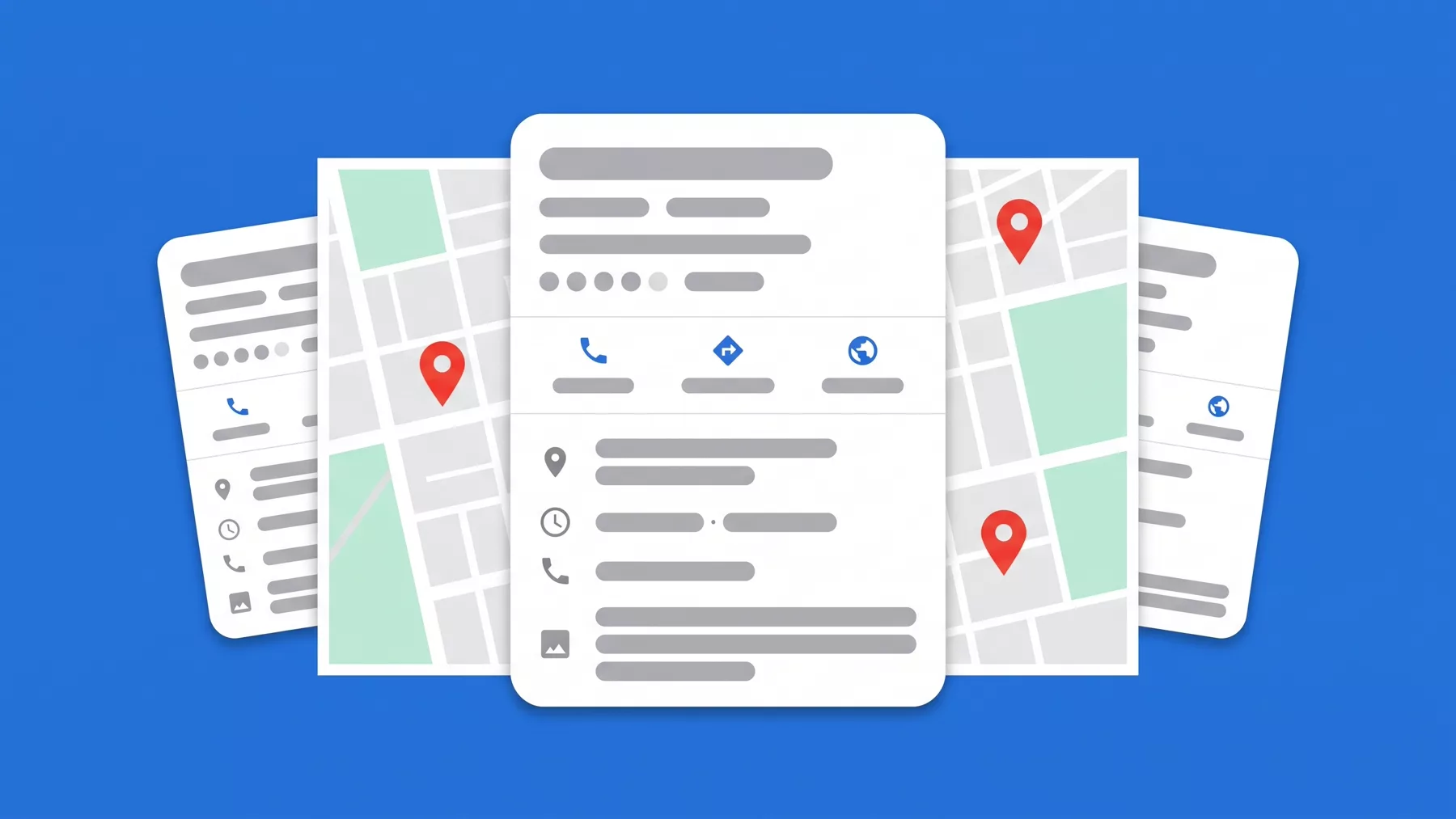
Managing the profile of a single location already takes time. Managing five or ten, each with its own address, hours and reviews, is another level of work if you do not have the right system from the start.
Presenzai does this on your profile every day, without you having to log in.
One profile per location, always
Every physical location needs its own listing, with its own verified address. Google does not allow several locations to be represented under one profile: that is a rule in its policies, not a configuration preference.
How to manage them from one place
Google offers business-level management, which lets you view and edit all your listings from a single account without signing in to each one separately. You can upload photos, answer reviews and post across several locations without duplicating the verification work.
What to keep consistent across locations
- The business name, exactly the same in all of them.
- The primary category, unless one location genuinely offers something different.
- The tone of the review replies, so it reads as the same brand.
What should vary by location
- Address, phone and hours, always specific to that location.
- Photos of the premises, the team and the surroundings of that particular location.
- Attributes that depend on the location, such as parking or accessibility.
The most common mistake in chains and franchises
Copying the same description word for word across every location. Google can read it as duplicate content and, more importantly, it tells the customer comparing one location with another nothing new.
When an agency manages your locations
If you work with an agency or an external tool, give them administrator access from your own Google account rather than sharing your password. You can revoke that access at any time without losing control of the profile.
Stop doing it by hand
Presenzai posts, answers reviews and watches your position on the map every day, without you having to log in.