How to write your business description on Google (with examples)
The description is your space to speak to the customer directly. What to include, what to avoid and an example structure that works.
August 8, 2026 · 2 min read
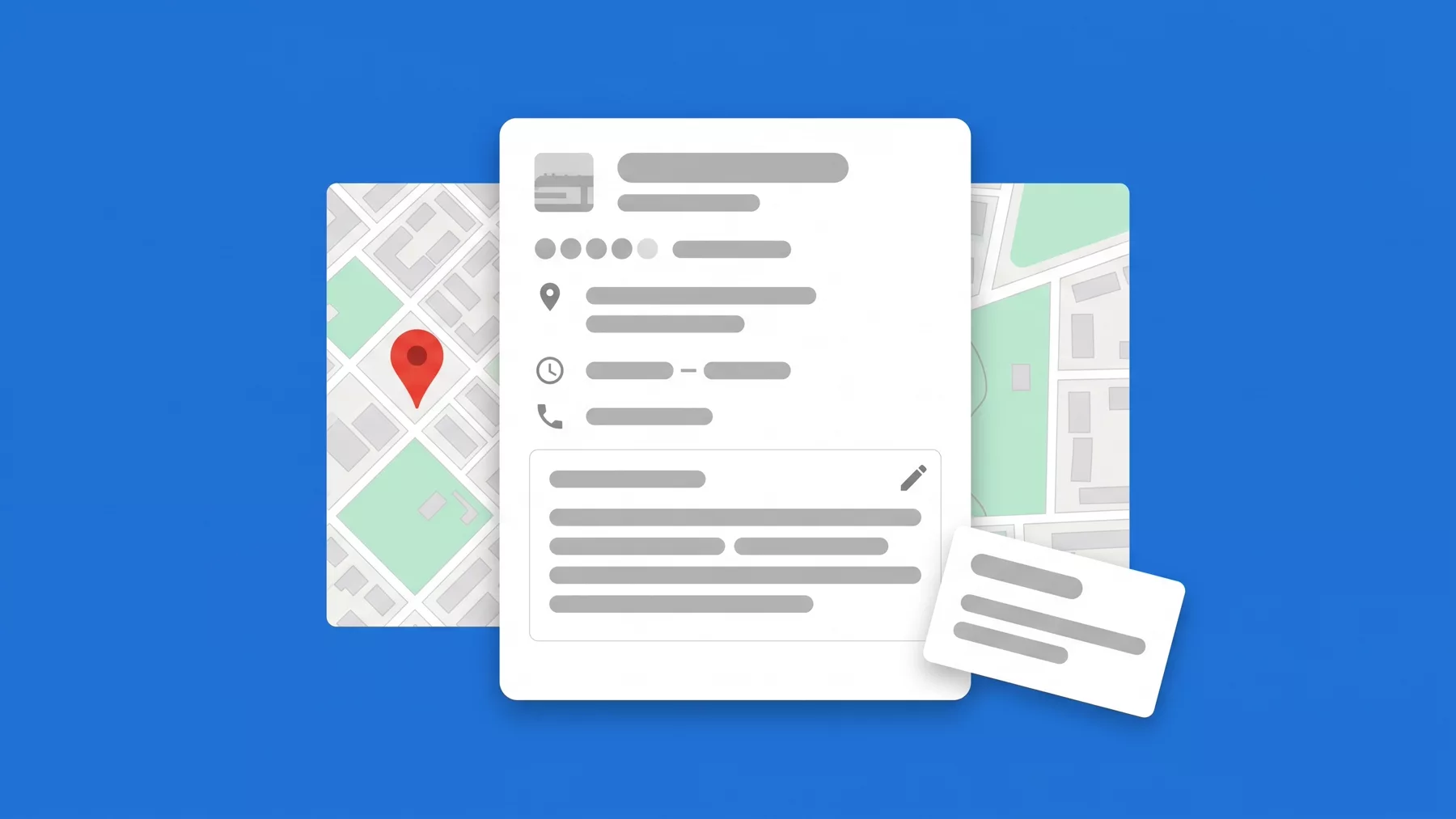
The description is one of the few spaces where you can speak to the customer directly, without the rigid format of the rest of the profile. Written well, it answers questions before they are asked; written badly, it is a paragraph nobody reads.
Presenzai does this on your profile every day, without you having to log in.
What it should include
- What your business does, in one clear sentence from the start.
- Who it is for: the kind of customer you serve best.
- What sets you apart from similar businesses in your area.
- Answers to frequent questions that used to live in the questions and answers feature, now removed.
Length and format
You have up to 750 characters. Use the first ones for what matters most: Google can truncate the text in some views, and what comes first is what gets read.
An example structure
"Artisan bakery in [neighbourhood], specialising in sourdough bread and preservative-free pastries. Open every day from 6 a.m. We accept digital payments and deliver locally. Looking for a custom cake? Message us on WhatsApp from the contact button."
What Google does not allow
No links, no prices in aggressive promotional formatting, and no contact information that is already in other fields. The description is for context, not for repeating the phone number or the opening hours.
When to update it
Review it whenever something relevant about your business changes: a new service, a change of speciality, or if you notice repeated customer questions you could answer there directly.
Stop doing it by hand
Presenzai posts, answers reviews and watches your position on the map every day, without you having to log in.