Consistent NAP: the silent rule that sinks your position on Google
Name, address and phone have to match everywhere. Why one small inconsistency can sink your position with no apparent explanation.
August 8, 2026 · 2 min read
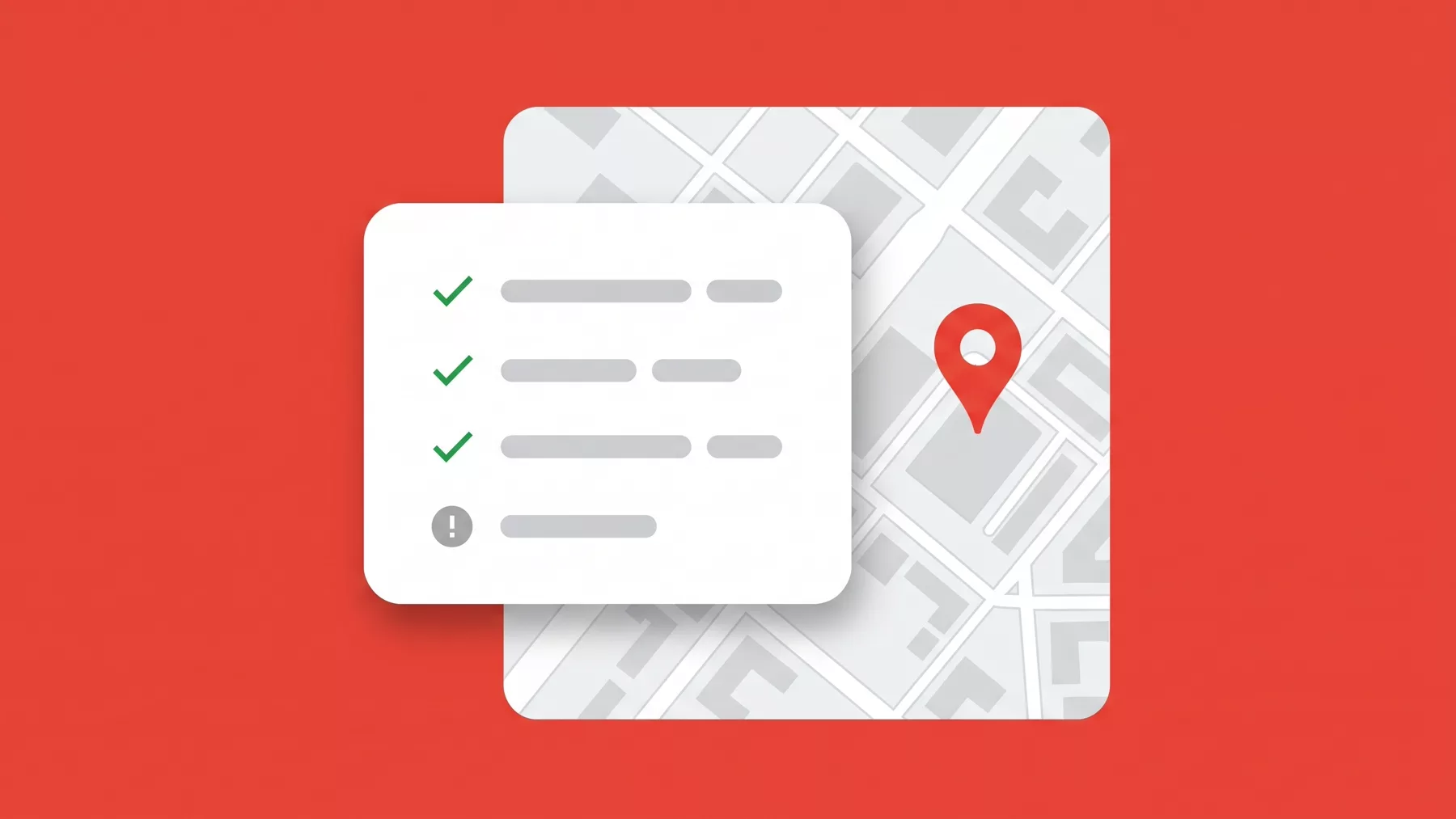
NAP stands for name, address and phone. It sounds administrative, and that is exactly why it is the most neglected, even though its impact on your position is real and silent.
Presenzai does this on your profile every day, without you having to log in.
What it is exactly
It means your name, address and phone appear written identically across your Google profile, your website and any directory or social network your business is listed in.
How it breaks without anyone noticing
- "10 High Street, Suite 5" in one place and "10 High St. #5" in another.
- An old phone number left in a directory after changing numbers.
- The business name with or without the legal suffix ("Ltd", "LLC").
Why Google cares
Google cross-references these signals across different sources to confirm your business is real and is where it says it is. Repeated inconsistencies raise doubts, which translate into less trust, and less trust into a lower position.
How to audit yours
Search your business name on Google and check every directory, social network and mention that appears. Note any different version of the name, the address or the phone number you find.
How to fix it
Start with your Google profile and your website: they have to match exactly. Then fix each directory where you found a different version, starting with the ones with the most authority or traffic.
Stop doing it by hand
Presenzai posts, answers reviews and watches your position on the map every day, without you having to log in.